

about me
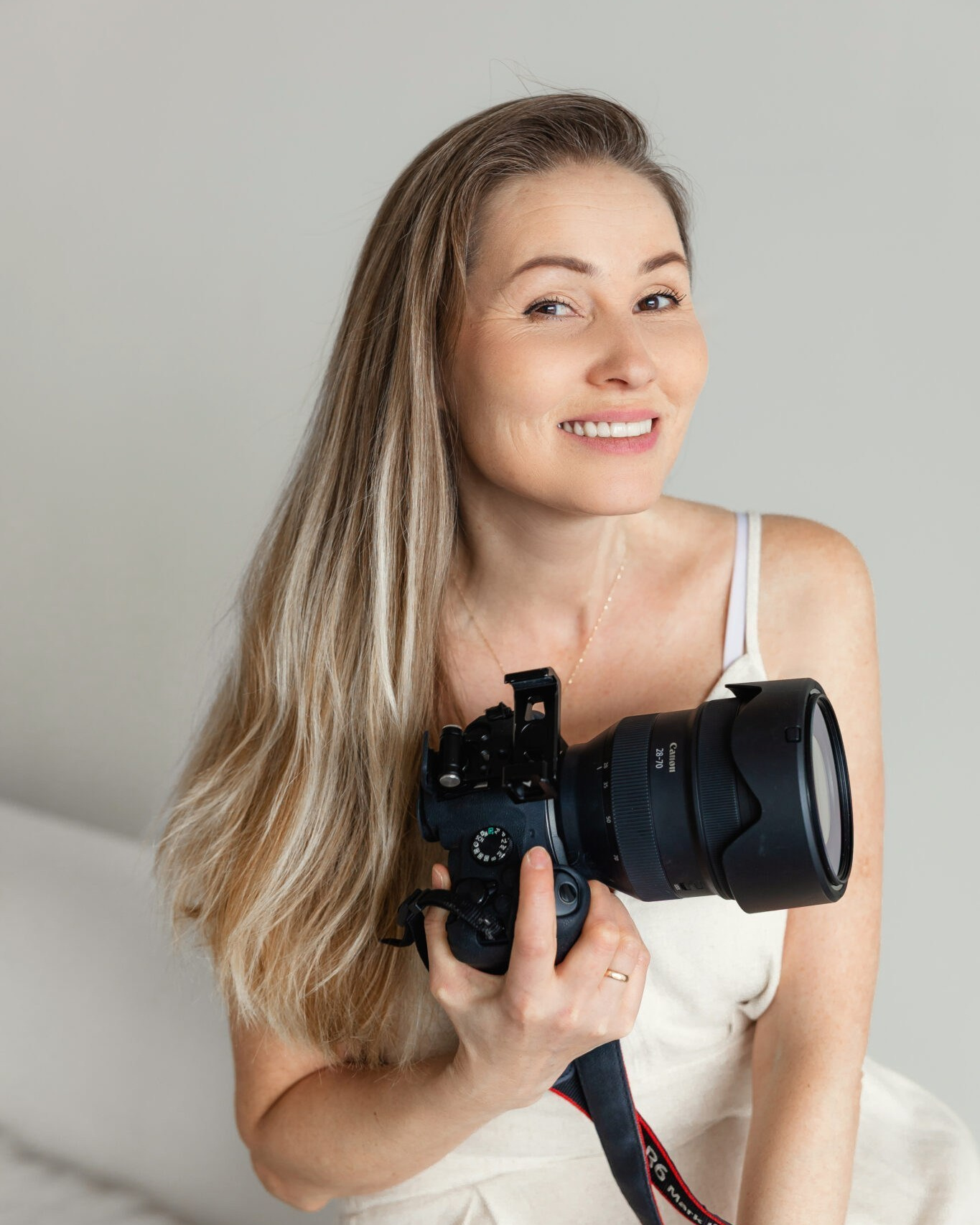
Hi, I’m Maria
I’m a family photographer and videographer in Chicago with 8 years of experience in photography and professional photo editing.
Over the years, I’ve learned how important it is to create a consistent editing style — so your portfolio and social media feed feel cohesive, professional, and recognizable.
That experience is what inspired me to create these presets.
Lightroom Presets for Photographers
A curated collection of Lightroom presets created for soft, natural, and timeless edits.
Designed to help you achieve a consistent look while keeping skin tones natural and your images clean, warm, and balanced.
Perfect for family, lifestyle, newborn, couples, and outdoor photography.
Secure checkout powered by PayPal
Это текстовый абзац. Нажмите на него и введите свой текст. Вы можете в любой момент вернуться к тексту и изменить его, например сделать текст подчеркнутым или курсивом.
Instant digital download · Easy to install · Created for Lightroom
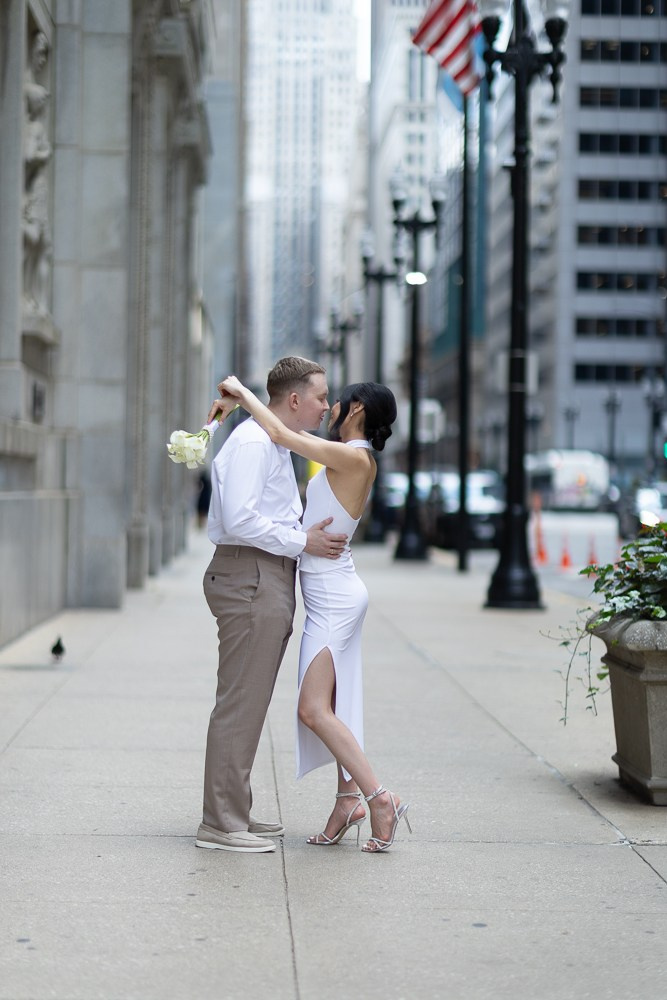
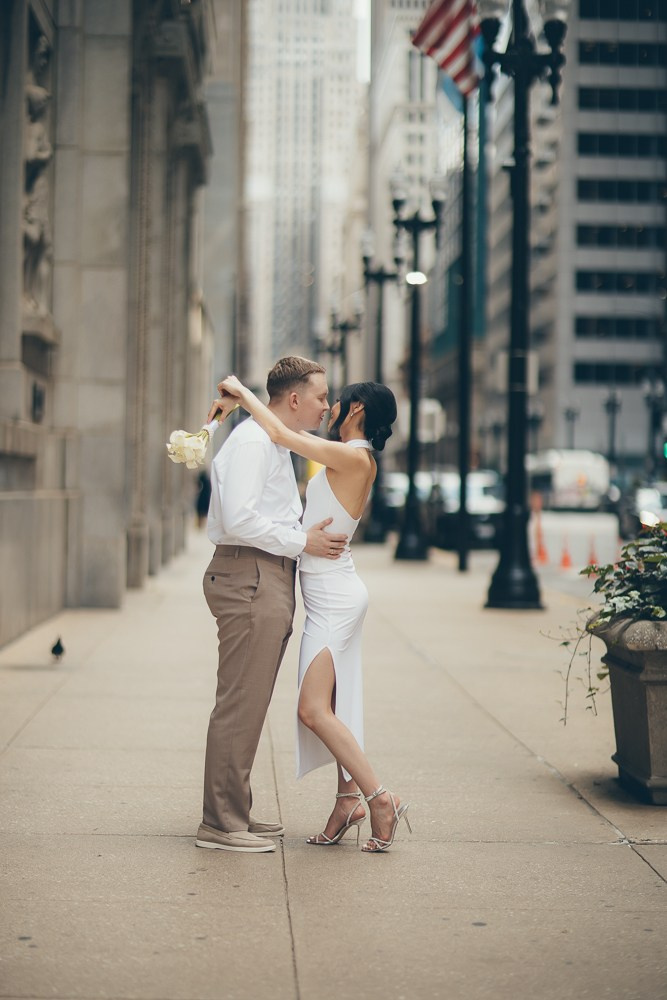
SEE THE DIFFERENCE
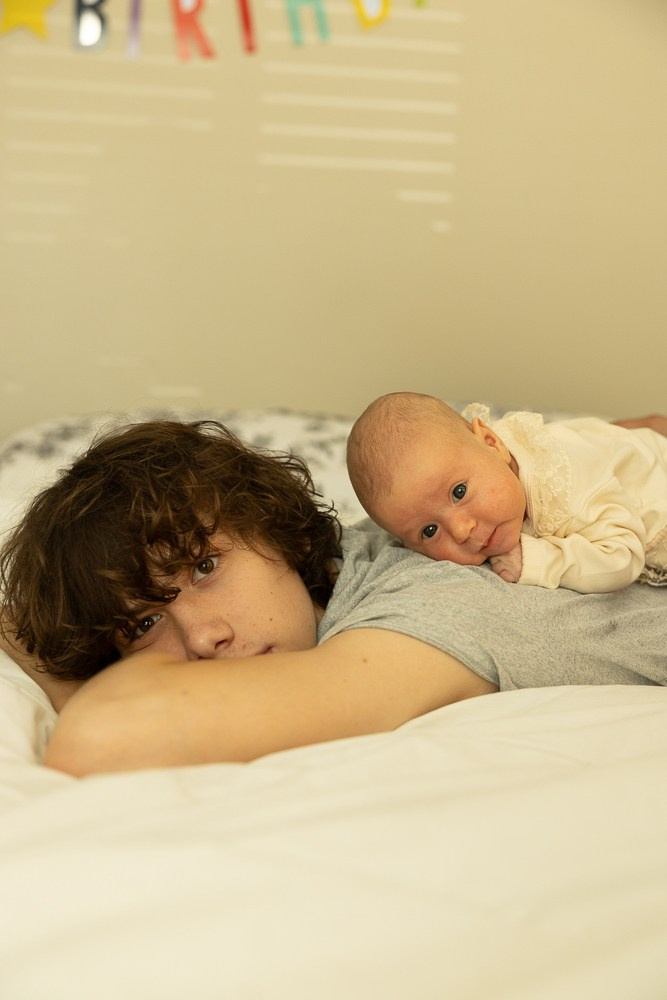
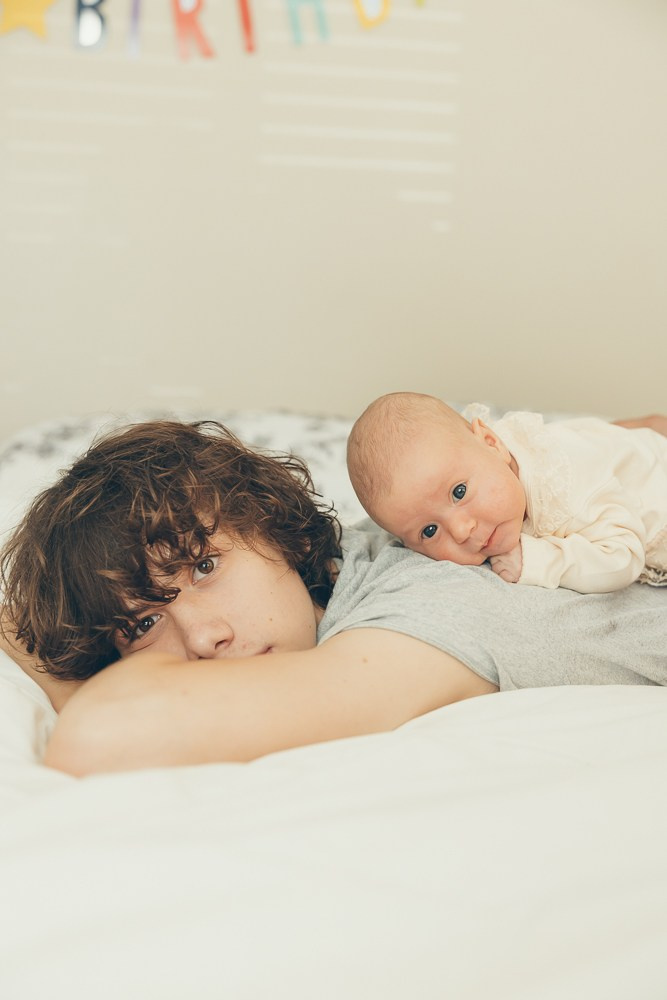
Before & After
Transform your photos with just one click.
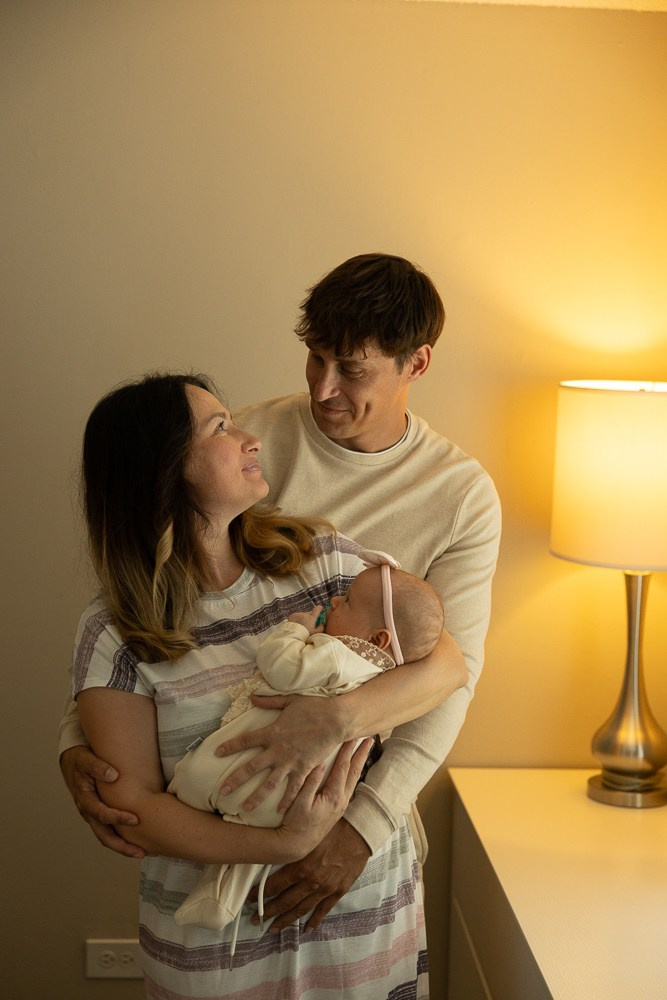
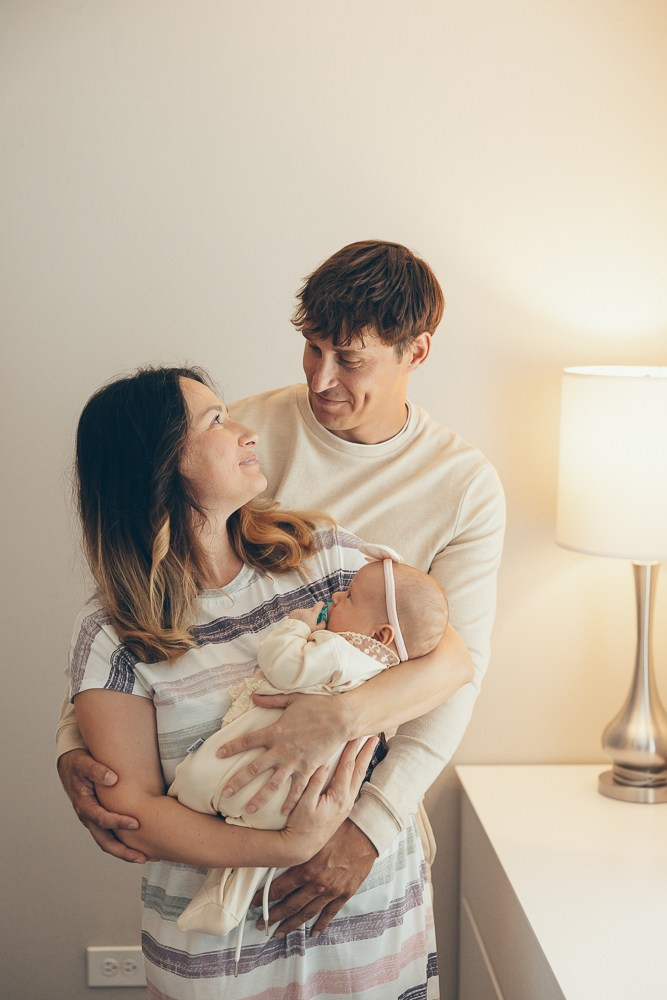
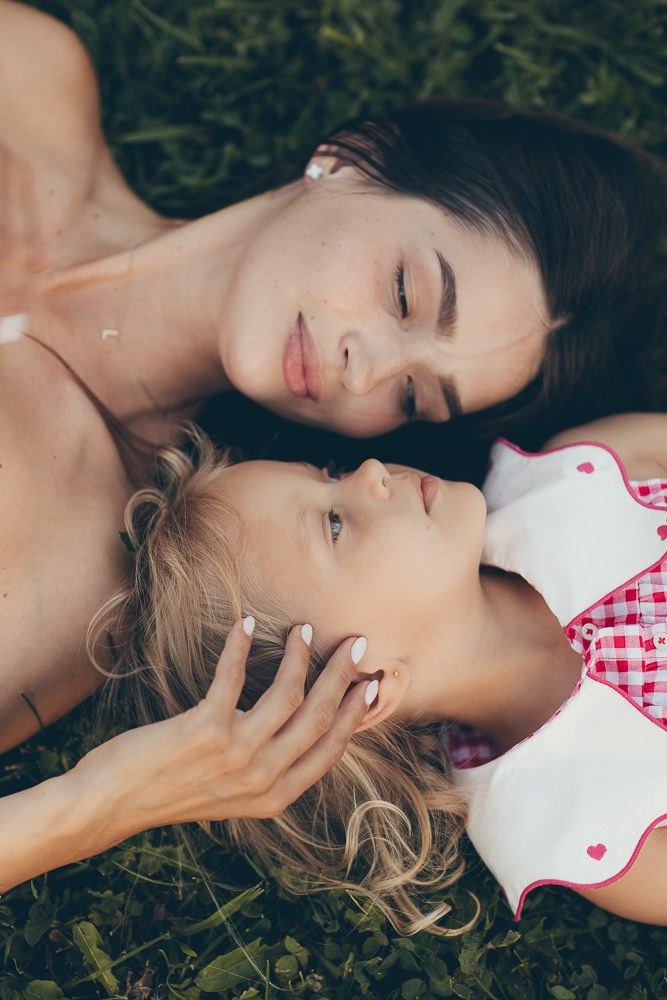
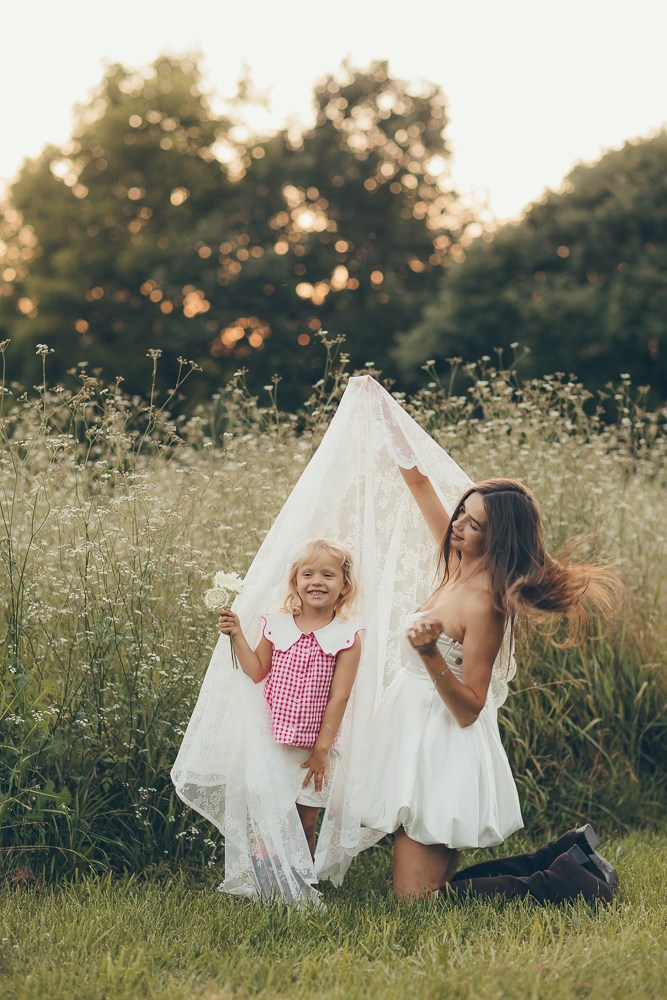
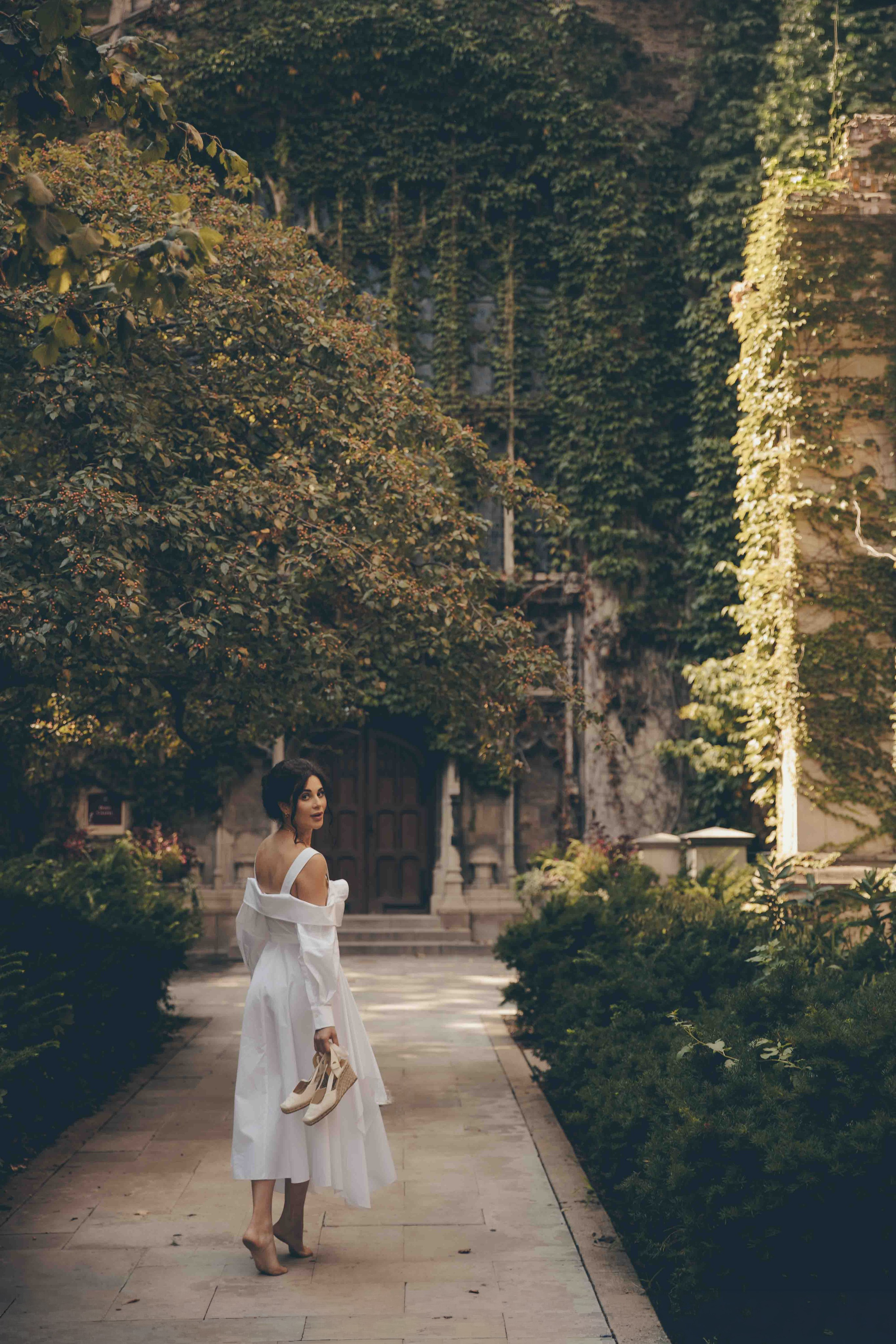
These presets are designed to give your images a warm, cinematic feel with rich tones, natural skin, and a beautifully balanced finish — while keeping your photos looking authentic.
Every image is different, so after applying a preset, simply fine-tune the exposure and temperature to create the perfect result for your photo.
WHAT’S INCLUDED
• 3 Signature Lightroom Presets
• 2 warm, cinematic color presets
• 1 timeless black & white preset
• Warm, rich skin tones
• Designed for a cozy, cinematic look
• Compatible with Lightroom & Lightroom Classic
• Easy-to-follow installation guide
• Instant digital download after purchase
PERFECT FOR
• Family & lifestyle photography
• Couples & love stories
• Maternity sessions
• Newborn lifestyle photography
• Outdoor & indoor sessions
One collection — designed to create a consistent, recognizable look across different types of photography.
HOW TO DOWNLOAD & INSTALL
Your presets will be available for download immediately after purchase.
01 — DOWNLOAD
After completing your purchase, click the download button to save the ZIP file to your device.
02 — UNZIP
Open the downloaded ZIP folder.
Inside you’ll find:
• 3 Lightroom Presets (.XMP)
• Installation Guide
03 — INSTALL
LIGHTROOM DESKTOP
Open Lightroom → Presets → ••• → Import Presets → Select the.XMP files → Import
LIGHTROOM CLASSIC
Open Lightroom Classic → Develop → Presets → + → Import Presets → Select the XMP files → Import
04 — APPLY & ADJUST
Apply your favorite preset and make a f few adjustments to tch your photo.
I r commend adjusting:
• Exposure — — up or wn
• Temperature — — cooler or rmer
• Vignetting — under Lens Corrections / Optics
• Distortion — under Lens Corrections / Optics
Every photo and lighting situation is d different, so these small adjustments will help you achieve the best result while preserving the warm, cinematic character of e presets.
YOUR PRESETS ARE READY TO U E!
HOW TO GET THE BEST RESULTS
Every photo is different. After applying a preset, I recommend checking these simple adjustments:
- WHITE BALANCE
Adjust the Temperature depending on your original photo — move it toward blue for a cooler look or toward yellow for a warmer look. - EXPOSURE
If your photo looks too dark or too bright, simply adjust the Exposure up or down. - SKIN TONES
If the skin looks too pink or too green, slightly adjust the Tint until it looks right for your photo. - VIGNETTING & LENS CORRECTIONS
Go to Optics → Enable Lens Corrections to correct lens distortion and vignetting. Adjust the vignette if you prefer more or less darkening around the edges.
TIP: Start with White Balance and Exposure — in most cases, these two adjustments are all you need.
Presets are a starting point. A few small adjustments will help you get the best result for your lighting and photo.
PLEASE NOTE
The images shown on this website were edited using these presets on my own photographs.
Every photo is unique, so results may vary depending on your original image, lighting, exposure, white balance, camera settings, and colors.
Presets are designed to be a starting point for your edit and may require small adjustments to achieve the best result for your individual photo.
The final result may not look exactly the same as the example images shown on this website.